When Enterprise Software Becomes an Operating Constraint
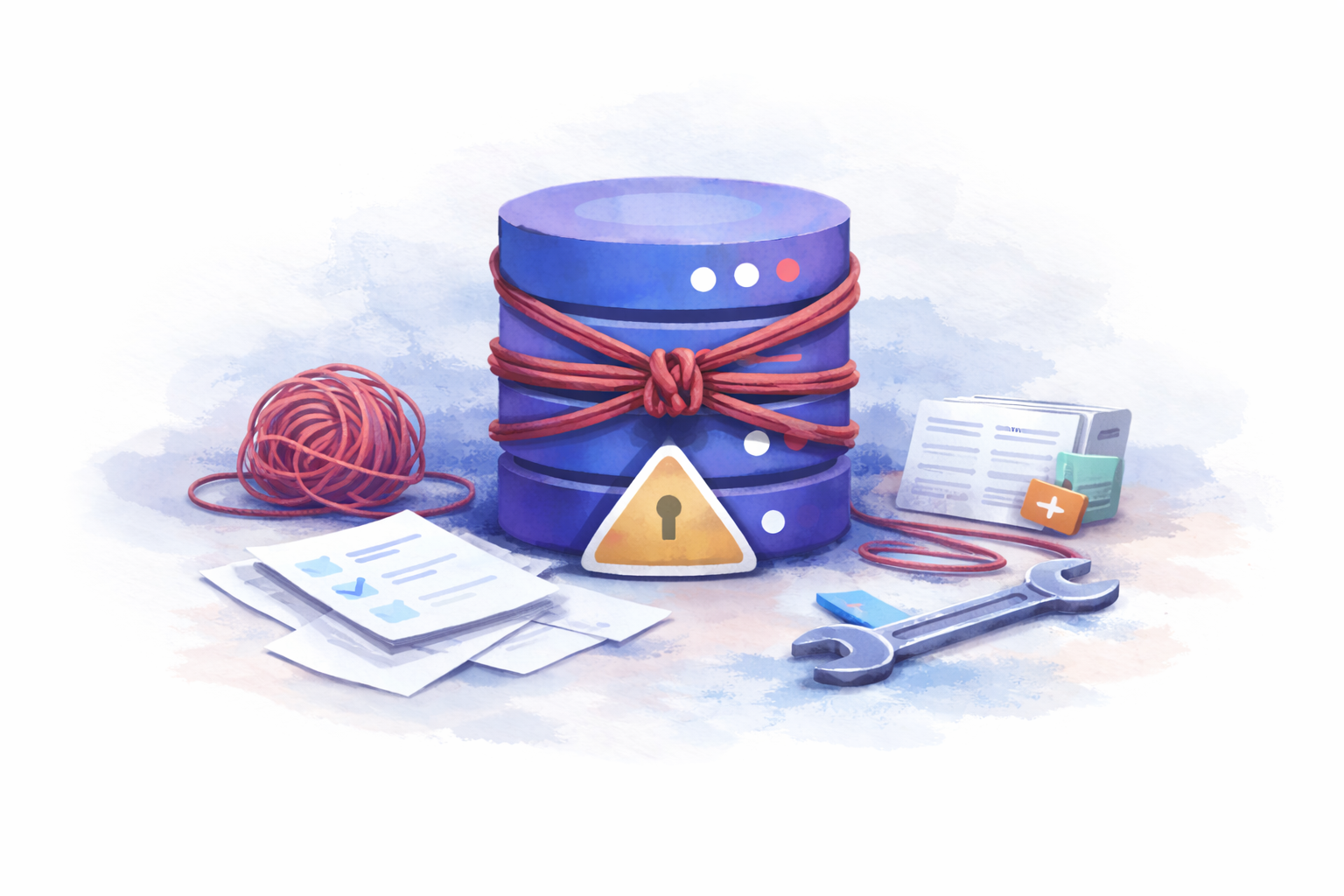
Image created by the author
What Prompted This Article
Part of what encouraged me to write this article was a recent conversation with a friend who had just joined a company through a series of acquisitions. The business had grown quickly by buying up smaller landscaping companies, each with its own customers, contracts, and commitments to track.
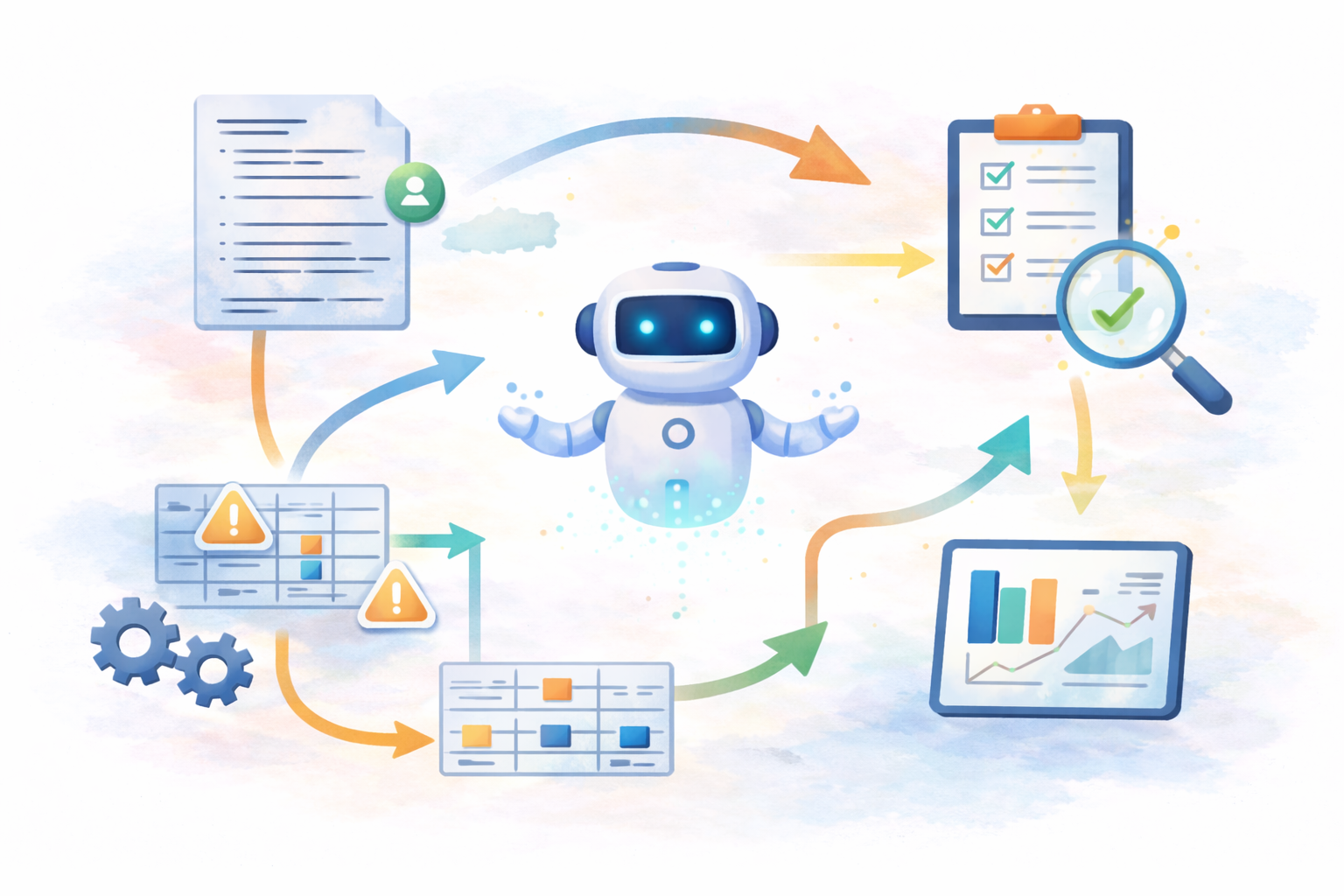
He was hired into a master data role and spent much of his time manually validating records. Before information could be entered into the company’s ERP system, he had to confirm invoice details by pulling identifiers from sales systems and reconciling them by hand. The software was in place, but the systems didn’t reliably connect in a way that made the data trustworthy without human intervention.
When he described his day-to-day work, what stood out to me wasn’t the tooling; it was the operating model. Manual reconciliation had simply become part of the process. The organization had invested in enterprise software, but the cost of integration and long-term operability had shifted onto people.
I’ve seen versions of this pattern repeat across organizations and industries. The constraint isn’t the software choice itself, but the way organizations adopt, structure, and depend on software.
The Cost of Long-Term Dependence
Organizations often commit to enterprise software with the expectation of long-term reliance, focusing heavily on initial fit and implementation. What’s less frequently assessed is how difficult that dependency will be to adapt, or unwind, as needs evolve.
I’ve seen organizations spend millions on tools meant to “solve” complex problems such as vendor management systems, governance layers, AI enablement frameworks, etc. Years later, teams are still stitching systems together manually, working around tools instead of with them, and hesitating to make changes as complexity accumulates. In some cases, the systems introduce more operational overhead than the manual workflows they were meant to replace.
One of my core principles when evaluating any system is to think explicitly about how conditions are likely to change over time, and to favor approaches that preserve flexibility rather than constrain it.
What’s often framed as a build-versus-buy decision is really a question of operating model. Enterprise software, hybrid systems, and fully custom solutions behave very differently over time. Many of the issues I’ve seen don’t stem from choosing the wrong tool. They stem from choosing one operating model and expecting another.
Why Enterprise Software Often Feels Like the Safer Choice
Enterprise software often feels like the safer choice because it’s familiar, widely adopted, and backed by vendors with established reputations. If peers or competitors rely on it, the assumption is that it must cover the necessary use cases.
These decisions can also feel easier to defend internally. Aligning with an industry standard reduces perceived risk and provides justification if things don’t go as planned. It also shifts accountability outward, framing the outcome as a function of vendor capability rather than an isolated internal decision.
When Popular Solutions Stop Solving the Problem
This is an industry-agnostic issue, but I’ve seen it most clearly in organizations with highly specialized or niche requirements. These teams often end up paying the highest price for “industry standard” tools. Customization is technically possible, but usually only through vendor-specific configuration layers, professional services, or highly specialized expertise.
As the cost and friction of adapting the system increase, teams often stop trying to change it directly. Instead, they build workarounds, external scripts, manual steps, or parallel processes, anything that allows progress without touching the core system.
At that point, the organization isn’t choosing between enterprise and custom anymore. It’s paying for both.
When a Custom or Open System Makes Sense
When people hear “custom,” they often imagine rewriting everything from scratch. That’s not what I mean.
In practice, custom systems often look like assembling smaller, well-understood components, frequently open-source, and keeping logic close to the teams who operate it. This approach accepts greater responsibility in exchange for control.
I’ve seen custom systems work best when requirements are specific, workflows don’t map cleanly to existing tools, and ownership is clear. In these cases, a simpler system that teams understand can outperform a more sophisticated one they don’t.
Where Do You Want Complexity to Live?
Over time, I’ve found the more useful question is:
Where do we want complexity to live?
Enterprise software doesn’t eliminate complexity; it relocates it. Much of that complexity ends up inside vendor abstractions, configuration layers, and constraints that are difficult to change.
Custom systems keep complexity closer to the surface. It’s more visible, more explicit, and easier to reason about, but it requires engineering effort and clear ownership.
Neither operating model removes complexity. They simply determine who controls it. Enterprise systems can feel like transferring responsibility, but operational accountability always returns to the organization.
Enterprise, Hybrid, or Custom
In practice, this decision isn’t simple. Most organizations operate somewhere along a spectrum, and friction builds when the chosen operating model doesn’t match how the organization actually works.
Enterprise operating models work best when teams are willing to adopt the system’s assumptions. In these cases, standardized workflows, constrained customization, and vendor-supported patterns are acceptable tradeoffs for validation, predictability, and regulatory confidence.
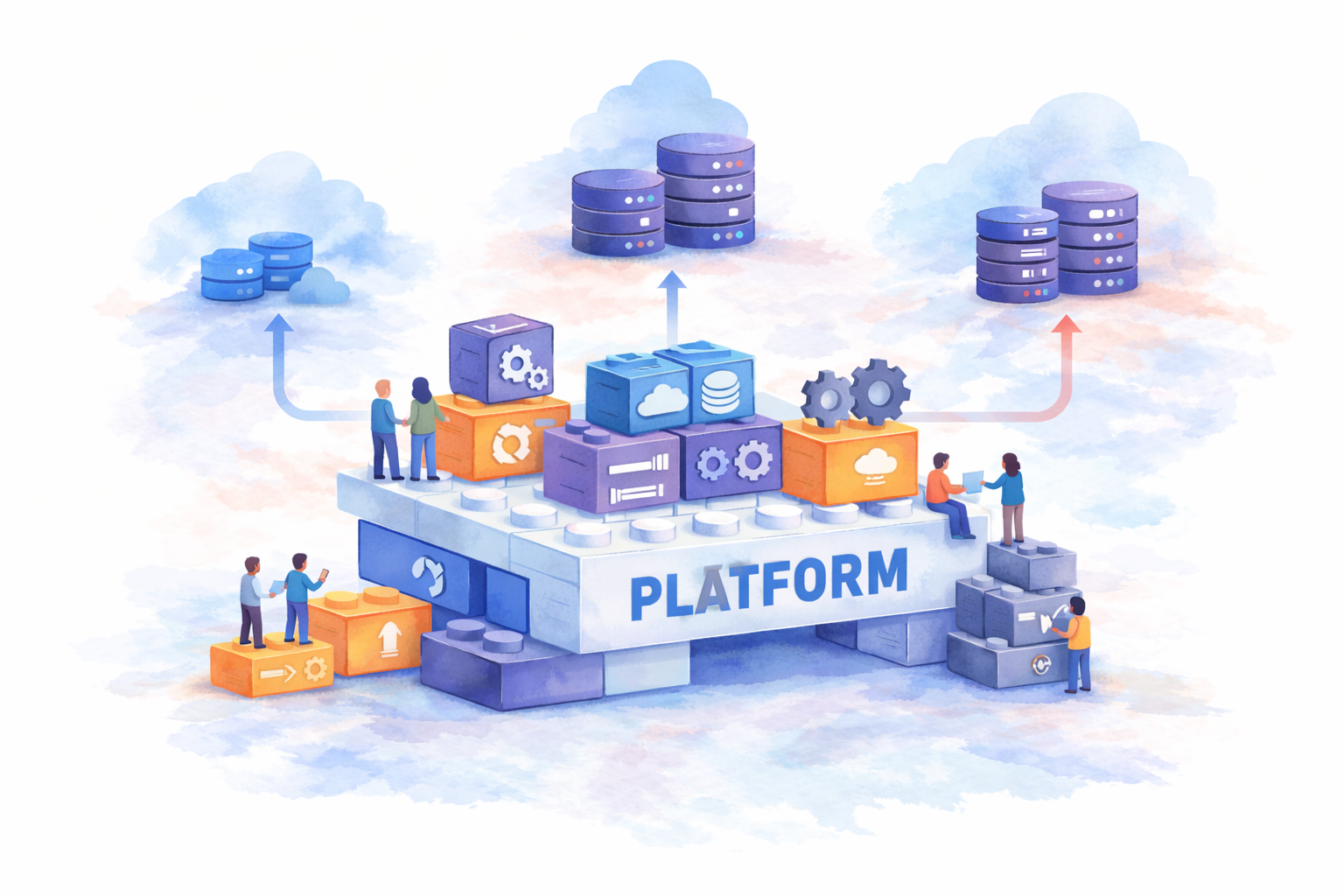
Hybrid operating models combine an enterprise core with custom-built components. This allows organizations to rely on standardized systems where they make sense, while retaining flexibility where differentiation or frequent change is required. Clear boundaries are critical here, without them, complexity quickly becomes unmanageable.
Custom operating models make sense when workflows are highly specialized or when adaptability is a core requirement. In these cases, organizations accept greater ownership and engineering responsibility in exchange for transparency, control, and long-term flexibility.
The challenge isn’t choosing one model over the others. It’s being honest about which model you’re actually operating, and designing accordingly.
Where Enterprise Software Still Makes Sense
Enterprise software is often the right choice when the problem is well understood, widely shared, and unlikely to differentiate one group from another. In these cases, standardized systems can reduce risk and allow teams to focus on higher-value work.
Constraints can be a feature rather than a flaw. In environments where validation, auditability, or regulatory confidence matter more than flexibility, prescribed workflows can be the right tradeoff, so long as teams periodically reassess whether the system still meets their needs. Over time, custom or open components may become the more practical choice.
How I Evaluate These Decisions
First, I ask:
What is the minimum set of capabilities required to meet this use case today?
In many cases, those capabilities already exist in lightweight or open-source tools, or even in systems the organization already runs. These options are often overlooked because they require more intentional integration work up front—while managed solutions offer faster initial setup.
I’ve seen teams spend around $300,000 per month on fully managed observability platforms, only to realize later that their actual needs, basic metrics, dashboards, and alerting, could have been met with a much simpler stack costing a few hundred dollars per month.
Once the baseline is clear, I then evaluate vendor-specific tradeoffs by asking:
- What does ongoing integration actually cost?
- How difficult will this be to adapt later?
- What happens when organizational needs move faster than a vendor roadmap?
These questions tend to matter more over time.
Closing Thought
Choosing enterprise software might feel like minimizing risk, but a misaligned operating model can introduce more friction than a well-scoped custom system ever would.
For me, the goal isn’t to avoid enterprise software or build everything in-house. It’s to choose the operating model that minimizes long-term operational burden and matches how the organization actually needs to work.
→ Download the system operating model diagnostic checklist:
Resources
Disclaimer: This article reflects my personal views only and is for informational purposes. It does not represent professional advice or the positions of any past or current employer. No confidential or proprietary information is shared, and I disclaim all liability for how you use its content. Third-party links or tool mentions are not endorsements.